
Social media users increasingly demand precision and speed, and nowhere is this more apparent than on X (formerly Twitter), where information moves at the speed of thought. While most users rely on basic search tools, X Advanced Search remains one of the platform’s most potent but underutilized features. For researchers, journalists, brand managers, and everyday power users, mastering X Advanced Search is a game changer, allowing them to uncover nuanced insights, monitor conversations, and discover hidden trends buried within billions of posts.
The Fundamentals of X Advanced Search
At its core, X Advanced Search enables granular filtering of public tweets and profiles, well beyond the capabilities of the standard search bar. Using a combination of keywords, account handles, date ranges, engagement filters, and exclusion criteria, users can sift through X’s vast archive and pinpoint exactly what they need.
Key Parameters and Operators
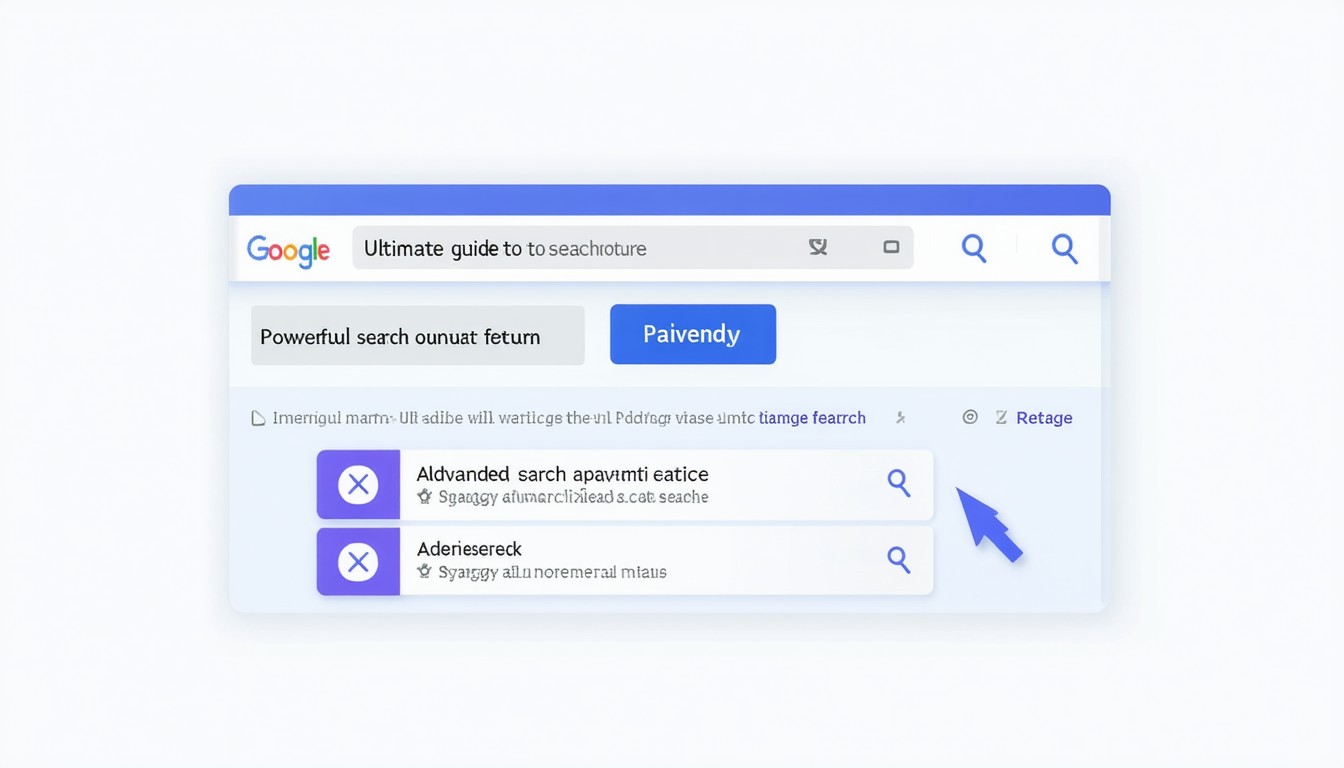
X Advanced Search offers a structured form at https://twitter.com/search-advanced, but savvy users can also craft queries directly using search operators. The most impactful parameters include:
- All of these words: Returns posts containing every specified keyword, regardless of order.
- Exact phrase: Use quotation marks to find tweets containing an exact match.
- Any of these words: Locate posts containing at least one of the specified words.
- None of these words: Exclude tweets featuring certain terms.
- Accounts: Filter by sender, mentions, or specific users.
- Dates: Narrow results to posts from a specific timeframe.
- Engagement: Isolate replies, or tweets with minimum likes, replies, or retweets.
For example, to find tweets about “climate change” excluding “denial” from 2022 posted by @NASA, you would combine parameters both in the form and the search bar:
"climate change" -denial from:@NASA since:2022-01-01 until:2022-12-31.
“Mastery of advanced search functions on social platforms like X is critical for digital research, real-time brand monitoring, and crisis management. Precision searching cuts through the noise, turning overwhelming data into actionable intelligence.”
— Claire Davidson, Social Media Analyst
Boolean Logic and Query Crafting
Understanding Boolean logic is vital for creating more sophisticated search queries. X supports basic Boolean logic with operators like AND, OR, and NOT (represented by -). This enables highly nuanced combinations—such as finding posts mentioning “sustainability” or “eco-friendly” but not “greenwashing,” all from industry thought leaders.
Query example:
(sustainability OR "eco-friendly") -greenwashing from:verified
In practice, Boolean logic empowers users to cast wide nets without drowning in irrelevant results—a necessity in fast-moving digital spheres.
Practical Use Cases for X Advanced Search
The power of X Advanced Search extends far beyond academic curiosity. Various professionals harness its capabilities for distinct objectives.
Reputation Management and Crisis Response
Brands and public figures often use advanced search to spot emerging issues, track sentiment shifts, or mitigate misinformation. For instance, during a product recall, a company might monitor all tweets mentioning the product’s name paired with words like “recall,” “danger,” or “problem,” filtered by geography or language. This enables real-time responsiveness and targeted engagement.
Research and Trend Analysis
Journalists, analysts, and researchers use advanced filters to surface primary-sourced content around breaking news, public opinion on events, and movement hashtags. By focusing on timeframes—such as election days, protests, or viral moments—they can chart how narratives evolve, gaining historical perspective unavailable through most web search engines.
Influencer and Community Mapping
Identifying influential voices or engaged communities is streamlined with advanced search. Filtering tweets by minimum retweets or likes, or isolating posts from verified accounts, allows marketers to pinpoint users driving conversations around key topics. For global brands running multi-market campaigns, language and location filters ensure insights remain contextually relevant.
Competitive Intelligence
Organizations frequently analyze competitor campaigns and customer feedback with search operators. By creating saved queries for industry keywords tied to competitor handles, teams can benchmark performance, spot communication gaps, and adapt messaging strategies accordingly.
Pro Tips and Common Pitfalls
While X Advanced Search is a formidable tool, several tips and limitations are worth considering.
Tips for Power Users
- Save frequent searches: X supports saving queries for efficiency, ideal for ongoing monitoring.
- Layer your filters: Combine account, date, and engagement filters for laser-sharp results.
- Monitor replies: Adding
filter:repliescan help in following nuanced conversations. - Engagement filters: Use
min_retweets:50ormin_faves:100to focus on high-impact posts.
Known Limitations
- Historical data: X limits search scope for unregistered users and often restricts access to certain historical tweets, especially beyond recent years.
- Privacy and deleted content: Advanced search cannot surface tweets from protected accounts or content that has been deleted, ensuring user privacy.
- APIs for automation: For deep, automated querying, X’s API is required—a route used primarily by technical teams and enterprise users, subject to rate limits and commercial licensing.
Real-World Impact: Case Studies
During global events such as the 2023 FIFA Women’s World Cup, journalists utilized X Advanced Search to track hashtags and player mentions, segmenting conversations by language, match day, and account type. This enabled quick discovery of viral trends, press statements, and fan sentiment, while archiving valuable real-time reactions for post-event analysis.
Another notable example: health organizations used advanced queries during the COVID-19 pandemic to flag emerging misinformation clusters by combining public health keywords with sentiment terms and engagement filters. By isolating high-traction posts, they could react faster with corrective information and public updates.
The Future of Social Search
As X doubles down on machine learning and recommendation algorithms, the way people navigate its vast content library will continue to evolve. Yet, for those committed to finding precise signals in the noise, advanced search remains irreplaceable. Machine learning may surface “trending” posts, but deep research, reputation management, and crisis response all rely on granular manual search capabilities.
It is anticipated that the feature set for advanced search will further expand, perhaps including more robust date ranges, visual content filters, and better integration with external analytics tools. Ultimately, users who master these capabilities will maintain a strategic edge in digital research and conversation management.
Conclusion
X Advanced Search transforms a basic social platform into a dynamic, powerful research tool. For businesses, journalists, and analysts, knowing how to wield these features unlocks strategic insights, supports real-time decision making, and guards reputations in an always-on world. As the digital landscape grows ever more complex, investing time in mastering X’s advanced search features yields dividends in clarity and control.
FAQs
How do I access X Advanced Search?
Go to https://twitter.com/search-advanced, where a structured search form allows you to specify keywords, accounts, dates, and more for precise filtering of tweets.
What are search operators in X Advanced Search?
Search operators are special keywords and symbols—like quotation marks for exact phrases or minus signs for exclusions—that let you build detailed queries directly in the X search bar.
Can I use X Advanced Search on mobile?
While the advanced search form works best on desktop browsers, you can still enter sophisticated queries with operators into the mobile app’s search bar.
Does X Advanced Search show deleted tweets or private accounts?
No, it respects privacy boundaries, meaning deleted tweets and those from protected accounts will not appear in search results.
Is there a limit to how far back X Advanced Search can go?
For regular users, X Advanced Search generally covers recent years. For broader or deeper historical access, commercial API solutions are needed and come with their own restrictions.
Can I automate searches or receive alerts using X Advanced Search?
Automation requires the X API or specialized third-party tools. Manually, you can save searches and revisit them, but instant alerts and analytics often depend on paid solutions.